Views: 40 Author: Site Editor Publish Time: 01-28-2026 Origin: Site


For printing professionals, we know that "zero error" is technically impossible. However, for clients receiving the final product, even a slight deviation can lead to complaints.
Are these errors due to mismanagement? Not always. Many are objective limitations of the mechanical process.
At PrintBar, we believe that understanding these errors—and using the right offset printing consumables—is the key to managing quality and client expectations. Here are the 7 unavoidable errors in offset printing.

Before the press even starts, errors can occur in the digital file. While this is often a workflow issue rather than a mechanical one, it is critical.
The Reality: Clients may approve a file with typos, only to blame the printer later.
The Fix: Always require a final signature on the proof. Strict pre-press checks are your first line of defense.

Even with modern CTP (Computer-to-Plate) systems, there is a margin of error between the digital file, the proof, and the final plate.
The Standard: Variations in laser intensity or development can cause slight dot changes. Using high-precision plates helps, but a small tolerance is normal.

Color difference is the #1 reason for client rejection. It usually falls into three categories:
Proofs are often digital, while the final product is offset ink on paper. The mechanisms are completely different.
Technical Insight: Factors like dot gain, paper absorption, and lighting affect the final look.
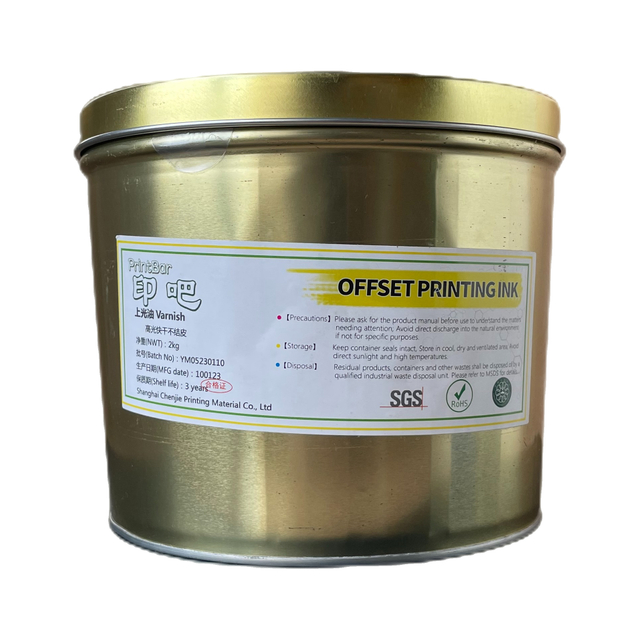
Optimization: Using high-quality PrintBar offset ink (like our high-pigment series) ensures better saturation and closer matching to the proof compared to cheaper alternatives.
You might find the first 100 sheets look different from the last 100.
Why? Offset printing is a dynamic balance of ink and water. As the machine heats up, the ink viscosity changes.
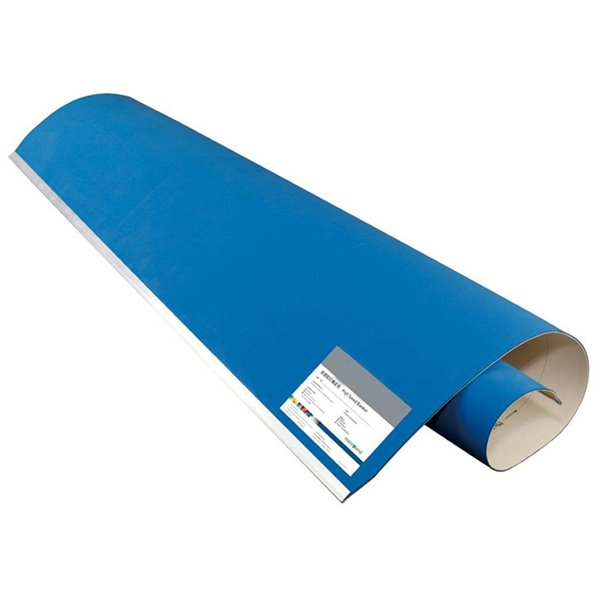
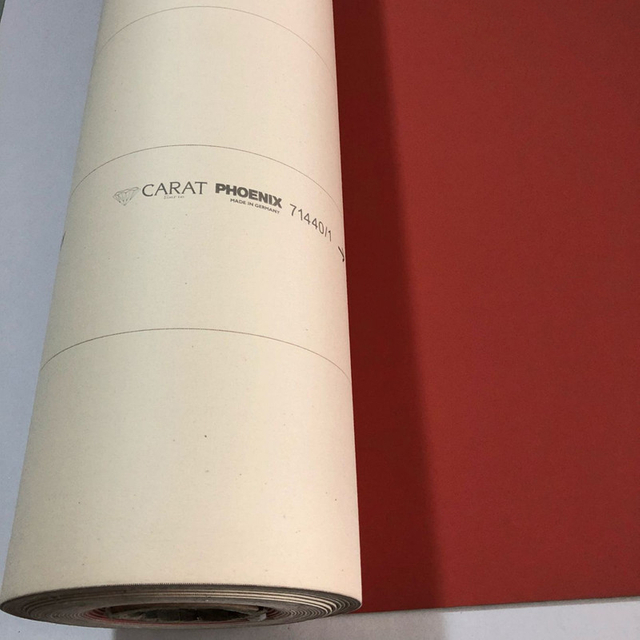
The Role of Consumables: A stable rubber blanket is crucial here. If your blanket swells or loses gauge, dot gain becomes unpredictable. We recommend the PrintBar Phoenix 329 series for consistent ink transfer throughout long runs.
Sometimes, the "error" is in the client's mind. They may prefer the vividness of a backlit computer screen over the reality of ink on paper.
Paper is organic; it reacts to humidity and pressure.
The Issue: In multi-color printing, if the paper stretches between the first and second unit, registration will be off.
International Standard: Acceptable expansion tolerances exist (e.g., ISO standards), but controlling your pressroom's humidity is vital.
No machine is perfect. Even top-tier Heidelberg or Komori presses have a mechanical tolerance (usually around 0.01mm - 0.02mm).
Optimization: To minimize mechanical errors, ensure your cylinder pressure is calibrated perfectly. Using precise calibrated underpacking paper (0.15mm / 0.10mm) helps maintain the correct printing pressure and reduces image doubling.
The guillotine cutter also has a tolerance.
The Reality: If the design has borders too close to the edge, a 0.5mm shift in cutting can look like a huge mistake.
The Fix: Always educate clients about proper "bleed" and safety margins during the design phase.

Finally, there is the error of perception. A client using a magnifying glass will always find a flaw.
The Solution: Transparency. Include a disclaimer in your contracts stating: "Colors in this proof are for reference only. Final production may vary within industry standard tolerances."
While some errors are unavoidable, minimizing them is what separates a good printer from a great one.
Choosing stable, high-performance consumables is the easiest way to control these variables.
Need stable color? Upgrade to PrintBar Offset Inks.
Need precise dots? Switch to our Compressible Rubber Blankets.
Stop fighting your machine and start controlling your process.